Website Lead Generation: The Complete 2026 Guide
A step-by-step guide to website lead generation: turn visitors into leads with an AI chatbot, forms and callback. Metrics, common mistakes and a checklist.
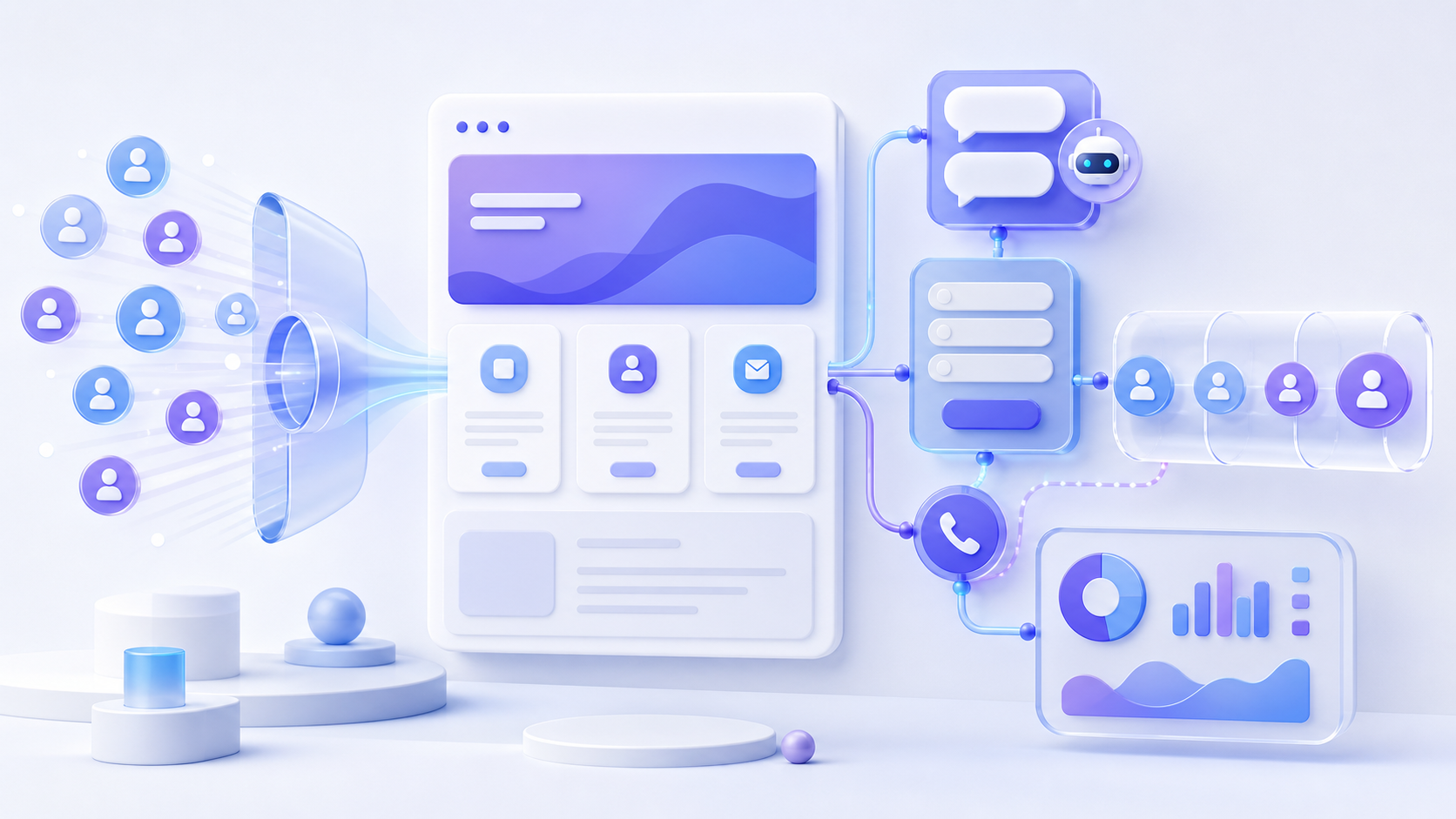
Website lead generation is the process of turning anonymous visitors into leads: people who left their contact details and are open to a conversation. A site needs three things for that: a contact point (chat, form, call), a clear value in exchange for contacts, and a fast reply from a manager. This guide walks through the whole system step by step — from the reasons a site stays «silent» to the metrics, the launch checklist and the typical mistakes that quietly eat your ad budget.
Why a website «brings no leads»
A typical situation: ads are running, traffic is coming, yet there are almost no inquiries. On average, websites convert only 1–3 % of visitors into a lead — the other 97 % leave silently. The three most common reasons:
- Visitors have nowhere to ask quickly. A phone number in the header and an email in the footer are a barrier, not a contact point. Calling an unfamiliar company is a psychological threshold, and writing an email feels like homework. The easier the first step, the more people take it.
- The form asks for too much. Eight fields and a mandatory email scare away most of those willing to reach out. Every extra field is a filter — and it filters out real clients, not spam.
- The reply comes too late. While a manager «will call back during the day», the client has already bought from a competitor. Interest on the web lives for minutes, not hours.
There is also a fourth, less obvious reason: the site answers no questions. If prices, terms and process are hidden, a visitor has nothing to hold on to — and nothing to ask about either. Lead generation starts with content that provokes a conversation.
How a visitor decides to leave their contacts
Before choosing tools, it helps to look at the decision through the eyes of the visitor. They weigh three things:
- Value. What do I get for my phone number: an answer, a quote, a discount, a consultation? A bare «leave your contacts» with no promise converts poorly.
- Effort. How many fields, how many clicks, is it comfortable on a phone? The best contact point feels like sending a message in a messenger.
- Trust. Does the site look alive, does someone actually reply, what happens to my data? A fast answer in chat builds trust better than any badge or certificate.
Every capture channel below is a different balance of these three factors for a different type of visitor.
Lead capture channels: what to put on your site
An AI chatbot
Answers questions 24/7 and turns a dialogue into a lead. The best channel for visitors who are «just asking» — and they are the majority. The bot answers from your knowledge base, qualifies the visitor and asks for contacts at the right moment — without pressure and without a queue. We covered how it works in our article about AI chatbots.
A lead form
A classic for «hot» visitors who are ready for contact. One rule: the fewer fields, the higher the conversion. Name and phone are enough — everything else the manager can ask in the first call.
A callback widget
A «we will call you back in 30 seconds» widget works great for people who would rather talk than type. It converts especially well in niches where deals are discussed by voice: services, real estate, autos, B2B. More in our callback widget guide.
A popup with an offer
Shown by rules: on exit intent, by timer, on specific pages. It works when it carries real value — a discount, a checklist, a consultation. A popup that says «subscribe to our newsletter» is noise; a popup that says «get your quote in 10 minutes» is a lead machine.
A live operator in chat
A human in the chat closes what the bot cannot: complex questions, big deals, emotions. The working setup is «bot first, human second»: the bot handles the routine around the clock, and the operator joins the conversations where a person is really needed — we compared the two approaches in AI chatbot vs live chat.
Do you need all five channels at once? No. Start with a chatbot plus a short form: together they cover both the «just asking» and the «ready to buy». Add callback if your clients prefer voice, and popups once you have an offer worth interrupting the reading for.
Where and when to show the contact point
The same widget converts differently depending on where and when it appears:
- Pages. On the pricing page visitors ask about cost and discounts; in the blog — about the topic of the article; on the contact page they are already open to a dialogue. Tailor the welcome message to the page — our welcome message examples give twelve ready-made options.
- Timing. A chat that pops up instantly on the first screen irritates; a chat that appears after 15–30 seconds or on scroll catches a visitor who is already involved.
- Mobile. More than half of the traffic comes from phones. The widget must not cover the content, and the dialogue must be comfortable to hold with a thumb.
Display rules save you from the main popup sin — showing the same thing to everyone, everywhere, at once.
A step-by-step lead generation launch plan
- Define the target action. What counts as a lead: a phone number, a quote request, a consultation booking? One clear action beats five vague ones — both for the visitor and for your statistics.
- Install a capture widget. One script tag — and your site gets chat, a form and callback. The install guide takes two minutes, no developer needed.
- Fill the knowledge base. The bot is only as good as the materials it answers from: add your services, prices, delivery terms and frequent questions — and the dialogue stops sounding like a template.
- Tailor the welcome message to pages. Visitors on the pricing page and in the blog have different questions — set different first phrases for different sections.
- Connect notifications. Leads must instantly reach the whole team in Telegram and email; for a CRM there are webhooks. A lead nobody saw is a lead lost.
- Reply fast. Response speed is the biggest conversion multiplier: why the first 5 minutes decide.
- Measure and improve. Watch the funnel step by step — impressions → dialogues → leads → deals — and fix the narrowest spot.
Qualify leads before they reach a manager
A lead is not just a phone number — it is a phone number with context. Two or three questions asked in the dialogue save the manager ten minutes of discovery:
- What exactly does the visitor need — a product, a service, a consultation?
- What is the budget or the scale of the task?
- When are they planning to decide?
The bot collects this naturally, in the flow of the conversation, and the manager opens a card with the full history instead of a bare number. Sort incoming leads by status — new, in progress, closed — and the funnel becomes visible instead of imaginary.
Which metrics to track
- Widget impressions — how many visitors saw it.
- Opens and dialogues — how engaging the welcome message is.
- Leads — how many dialogues ended with contact details.
- Site-to-lead conversion — leads divided by visitors.
- Cost per lead — traffic spend divided by the number of leads. How to reduce it is a separate article.
| Metric | Formula | What it tells you |
|---|---|---|
| Widget open rate | Opens ÷ impressions | Is the widget visible and inviting |
| Dialogue rate | Dialogues ÷ opens | Does the first message engage |
| Lead conversion | Leads ÷ dialogues | Does the bot ask for contacts at the right moment |
| Site conversion | Leads ÷ visitors | The health of the whole funnel |
| Cost per lead | Ad spend ÷ leads | The economics of your traffic |
Check the numbers weekly, not «someday»: two weeks of data is enough to see the narrowest step of the funnel.
Night and weekend leads
A large share of visits happens outside business hours — evenings, nights, weekends. Without a bot these visitors meet a silent site; with a bot they get answers and leave their contacts, and the morning starts with a list of warm leads instead of an empty dashboard. If part of your traffic comes from other time zones, round-the-clock coverage stops being optional — it becomes the cheapest source of extra leads you have already paid for with ads.
Typical lead generation mistakes
- Asking for a phone number before giving any value at all.
- Showing the same welcome message on every page of the site.
- Skipping notifications — leads «age» in the dashboard for hours.
- Forgetting mobile visitors, who are often more than half of the traffic.
- Counting only the number of leads and ignoring their quality.
- Turning the bot into a locked menu of buttons — visitors want to ask their own question, not yours.
- Stopping after the setup: lead generation is a process, and welcome messages and offers need testing like any ad creative.
Launch checklist
- The target action is defined, and every key page has one.
- The capture widget is installed and works well on mobile.
- The knowledge base is filled: services, prices, terms, frequent questions.
- Welcome messages are tailored to the key pages.
- Notifications reach the whole team in Telegram and email.
- The reply-time target is agreed: minutes during business hours.
- Statuses are set up, and the team moves leads through the funnel.
- Metrics are checked weekly, and changes are tested one at a time.
FAQ
What website conversion rate is considered normal?
For most niches the benchmark is 1–3 %. A well-designed contact point (chatbot, callback) and a fast reply can multiply it: visitors who get an instant answer leave their contacts far more often.
Which is better: a chatbot or a lead form?
Both, for different people. The form captures the «hot» ones, the bot captures the «warm» ones who need to ask a couple of questions first. Together they cover more of your audience than either alone.
How fast will lead generation show results?
The first leads usually arrive within days of installing a capture widget — the traffic is already there, you simply start catching it. Give the funnel two to four weeks of data before judging the numbers and testing changes.
Will popups and chat widgets annoy visitors?
Badly tuned — yes. Shown by rules (the right pages, the right moment, real value in the message) they are perceived as help, not noise: the visitor gets an answer exactly when the question appears.
How much does it cost to start lead generation on a website?
You can start for free: LeadMate installs in a couple of minutes, and paying makes sense once leads are flowing and you need scale.
Summary
Lead generation is a system: a contact point, value, response speed and constant measurement. Start simple — install the widget, fill the knowledge base, set up the welcome message and notifications, reply fast. Then improve the funnel one step at a time: the statistics will show where the leads are leaking. The traffic is already yours — the system turns it into conversations, and conversations into clients.